Dhaka ·
  Thimphu ·
  Vancouver · Since 2012
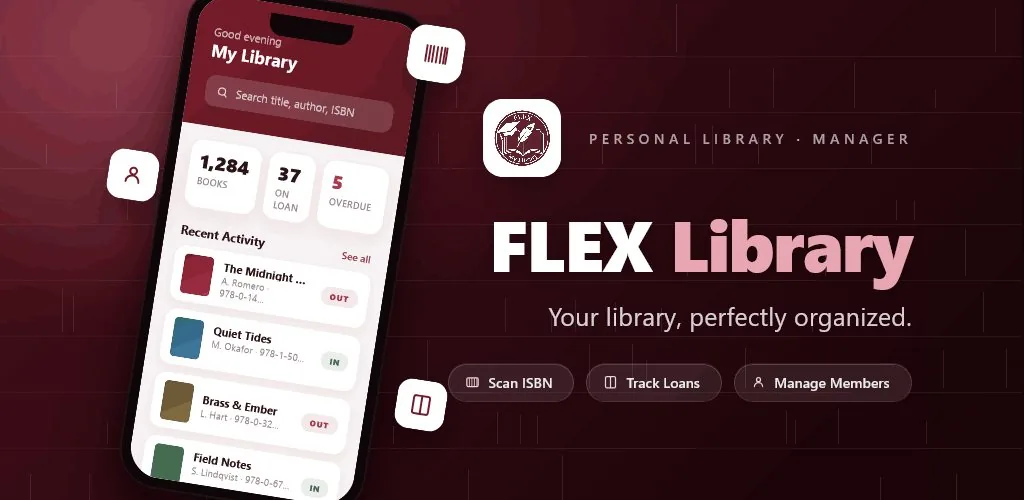
Many school libraries still run on a handwritten accession register and an issue book where each loan is noted by hand. It works until it does not: a student cannot find a book that is supposedly on the shelf, a teacher keeps a title for a whole term, or an inspection asks for a list of holdings nobody has time to compile. School library software in Bangladesh, sometimes called library management software for schools, replaces those registers with a searchable catalogue and a clear record of every loan.
This buyer's guide is written for head teachers, librarians and school administrators. It covers the features that matter, how to plan a migration from paper, and how FLEX Library, the library management app built by FLEX InfoTech, handles cataloguing, lending and overdue tracking.
Signs your school library has outgrown paper registers
Paper systems are cheap and familiar, but they struggle as a collection grows or as more students borrow. Watch for these warning signs.
- Nobody can quickly say how many copies of a textbook are available right now.
- Overdue books are only noticed at the end of term, if at all.
- Finding a student's borrowing history means searching through several registers.
- Donated books pile up uncatalogued because entering them takes too long.
- Reports for the head teacher or governing body take days to prepare.
What school library software in Bangladesh should include
The right system should match how school libraries actually work: many borrowers, many copies of the same textbooks, short loan periods and limited staff time. These are the capabilities to look for.
A catalogue that tracks titles and multiple physical copies separately, with authors, genres, cover images, shelf locations and the condition of each copy. Fast book entry using ISBN barcodes, so new stock and donations can be added in seconds. A full lending workflow covering checkout, return and renewal, ideally with a way for students to request books that a librarian can approve or reject. Overdue tracking with configurable fine policies. Member records with borrowing history. And a dashboard that answers common questions without manual counting.
How FLEX Library fits a school library
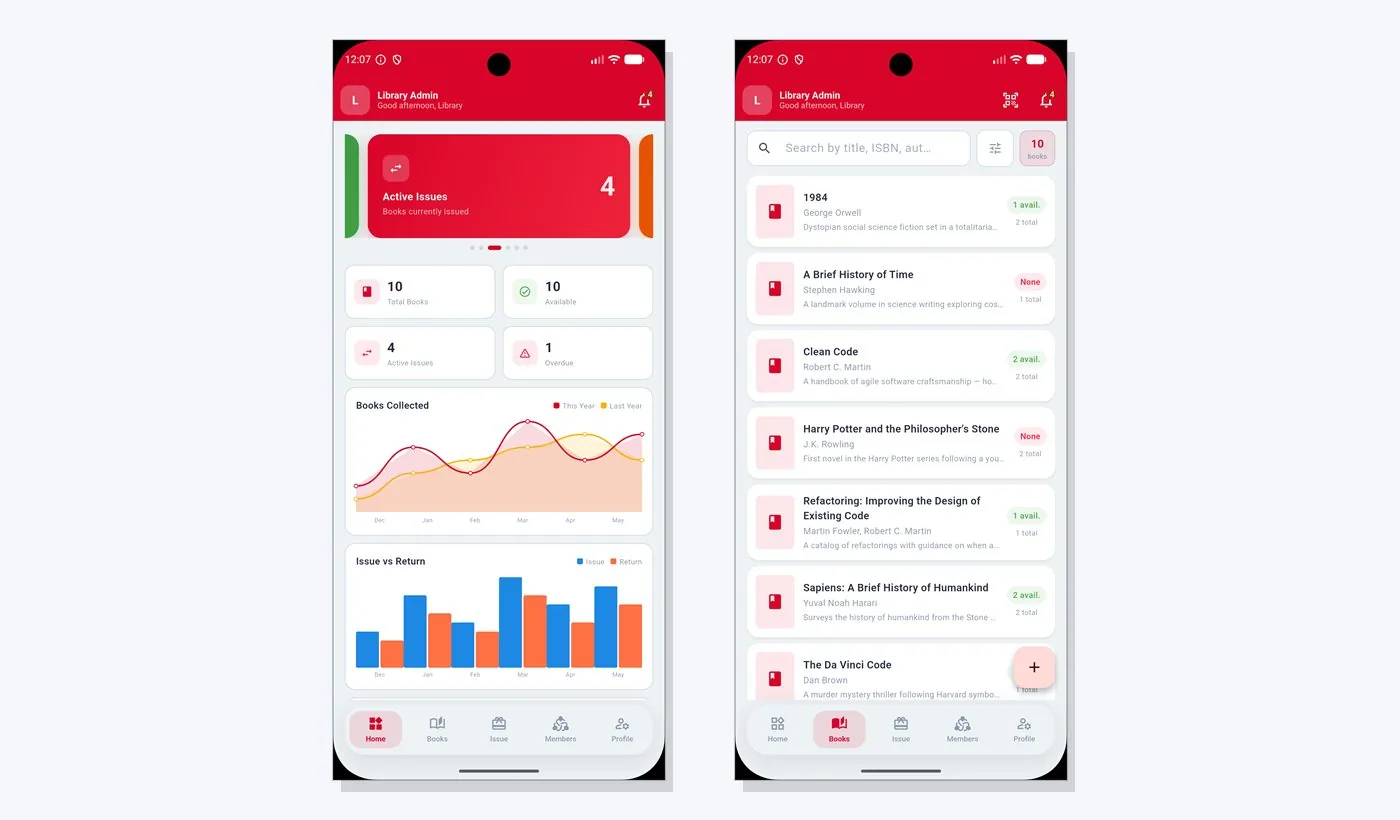
FLEX Library was designed to keep track of who has which copy and when it is due. Its catalogue holds titles with authors, genres and covers, and each title can have multiple copies with their own shelf and condition. That is exactly how a school library holds textbooks: one title, many copies, each in different shape after a few years of use.
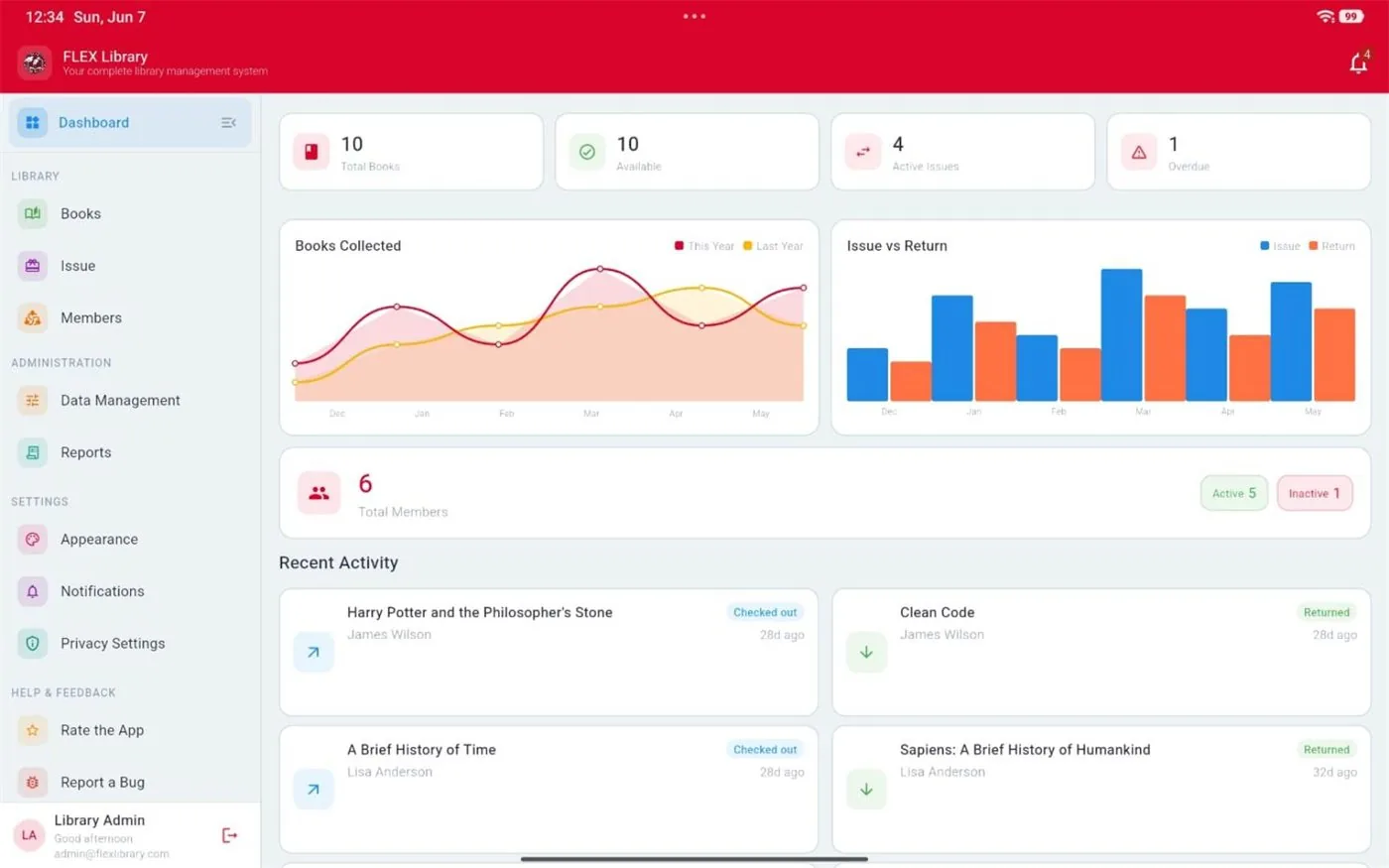
Books can be added by scanning the ISBN barcode with a phone camera or by entering the ISBN on the web. The loan workflow covers checkout, return and renew, and members can request loans that an admin approves or rejects. The overdue list shows late loans, and you can set fee policies and record penalties on late returns. A dashboard displays totals, availability, active and overdue loans, with charts for books collected, loans over time and popular books.
The system has two roles. Admins, such as the librarian, manage the catalogue, genres, authors, shelves, fee policies and users. Members sign in to browse the catalogue and see their own loans. The web app runs at flexlibrary.flexinfosys.com and works in a standard browser, so a library computer is enough to get started.
Managing students and teachers as members
Every borrower becomes a member with a profile, an optional photo, an active status and a full borrowing history. FLEX Library also supports member tiers: Standard, Trusted and Restricted. In a school, you might keep most students at Standard, give teachers and library monitors Trusted status, and move a student to Restricted while they have several overdue books.
Deactivate members when students leave so the list stays accurate, and keep their history for your records. Photos help library assistants confirm a borrower's identity at a busy issue desk, which is useful in larger schools and colleges.
Overdue books and fines: setting a fair policy
Overdue books are the most common source of friction in a school library. A clear, fair policy, communicated at the start of the year, prevents most problems. Decide the standard loan period, how many renewals are allowed, and whether fines apply. Many schools prefer small, symbolic fines in taka, or non-monetary consequences such as a temporary borrowing pause, rather than large penalties.
Because fee policies in FLEX Library are configurable, you can set rules that match your school's approach and record penalties consistently. Review the overdue list weekly and send reminders through class teachers. Consistency matters more than the size of the fine: students quickly learn that the library knows when books are late.
A migration plan from paper to digital
Moving an existing collection online is the biggest task, but it can be done in stages without closing the library.
- Set up shelves, genres and fee policies before entering any books.
- Start with the most borrowed section, often textbooks and popular fiction, and scan ISBNs shelf by shelf.
- Enter older books without barcodes manually, prioritising those that are lent regularly.
- Add members class by class, starting with the year groups that borrow most.
- Record current loans from the paper issue book so nothing is lost in the changeover.
- Use the wishlist to note titles teachers request, and mark them acquired when they arrive.
Frequently asked questions
Can FLEX Library handle Bangla books without ISBNs?
Yes, you can add books manually as well as by ISBN. Scanning is fastest for books with barcodes, while older Bangla titles, local publications or donated books without an ISBN can be entered by hand with their author, genre, shelf and condition. Prioritise the titles students borrow most, then catalogue the rest of the collection gradually.
Do students need their own login?
Not necessarily. Members can sign in to browse the catalogue and see their own loans, which suits older students and teachers. For younger classes, the librarian can manage loans from the admin side on their behalf. Choose the approach that suits your school, and introduce member logins once the catalogue is complete and stable.
What equipment does a school need?
A computer or tablet with a web browser and an internet connection is enough to use the web app at flexlibrary.flexinfosys.com. ISBNs can be typed on the web, and phone camera scanning makes entering large numbers of books faster. Contact FLEX InfoTech to discuss mobile access and the best setup for your library.
Is it suitable for colleges and madrasas too?
The same needs apply to colleges, madrasas and coaching centres: a catalogue, lending records, overdue tracking and member histories. FLEX Library was designed for personal and small community libraries, and its features also fit smaller institutional libraries. Talk to the FLEX InfoTech team in Dhaka about your collection size and how you lend books.