Dhaka ·
  Thimphu ·
  Vancouver · Since 2012
Rent collection software in Dhaka solves a problem every landlord and building manager knows well: the first ten days of the month. In Mirpur, Dhanmondi, Uttara, Mohammadpur and Gulshan, owners of apartment buildings and commercial spaces collect rent from many tenants, each paying on a different day, in a different way, and sometimes in parts. Keeping an accurate picture of who has paid, who owes and how much is harder than it sounds.
This article focuses on one job only: the monthly rent collection cycle. It sets out a practical workflow and shows how Tenova, the rental property management app from FLEX InfoTech, supports each step, from generating the month's rent to recording cash, bank and bKash payments, following up dues and closing the month with reports.
Where rent collection software in Dhaka helps most
A typical Dhaka building might have family flats on the upper floors, a garage, and shops or offices on the ground and first floors. Residential tenants often pay in cash to the owner or caretaker, office tenants pay by bank transfer or cheque, and many people now send rent through bKash. Each route leaves its trace in a different place: a caretaker's notebook, a bank statement, a mobile wallet history.
When those traces are never brought together, problems follow. A partial payment is forgotten, a tenant claims to have paid when the money has not arrived, or the owner only discovers in the middle of the year that a shop is three months behind. The fix is a single ledger for every unit, updated as money arrives.
Step 1: Set up units, tenants and leases once
Good rent collection starts with accurate base data. In the app, you add your properties and their units, whether residential flats, shops or office floors, then link each unit to a tenant and a lease. The lease holds the monthly rent in Taka, the duration and the agreed terms, along with any advance or deposit.
Once this is done, the monthly cycle runs from these records rather than from memory. If you manage buildings in more than one area, branches let you group properties so a manager can focus on their own buildings.
Step 2: Generate the month's rent in one action
At the start of each month, rent needs to become a clear list of amounts due. Writing these out by hand is slow and invites mistakes, especially when rents differ between flats and commercial units.
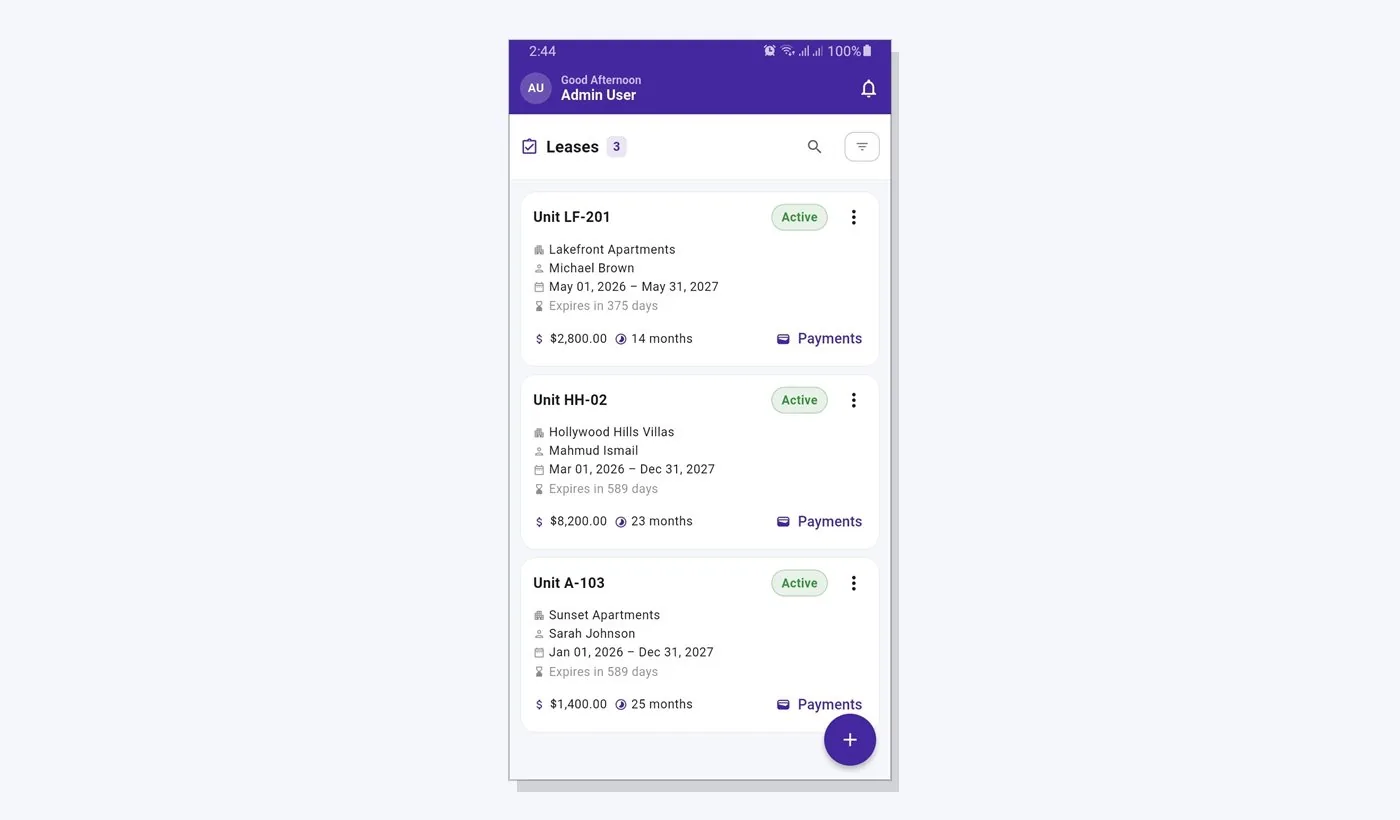
The app lets you preview the rent charges for all active leases, check them, and generate them in one step. A generation history shows what was created and when, so there is no doubt about whether this month's charges have been raised. Leases that have ended are not charged, and an expiry countdown on each lease reminds you which agreements need attention soon.
Step 3: Record cash, bank and bKash payments as they arrive
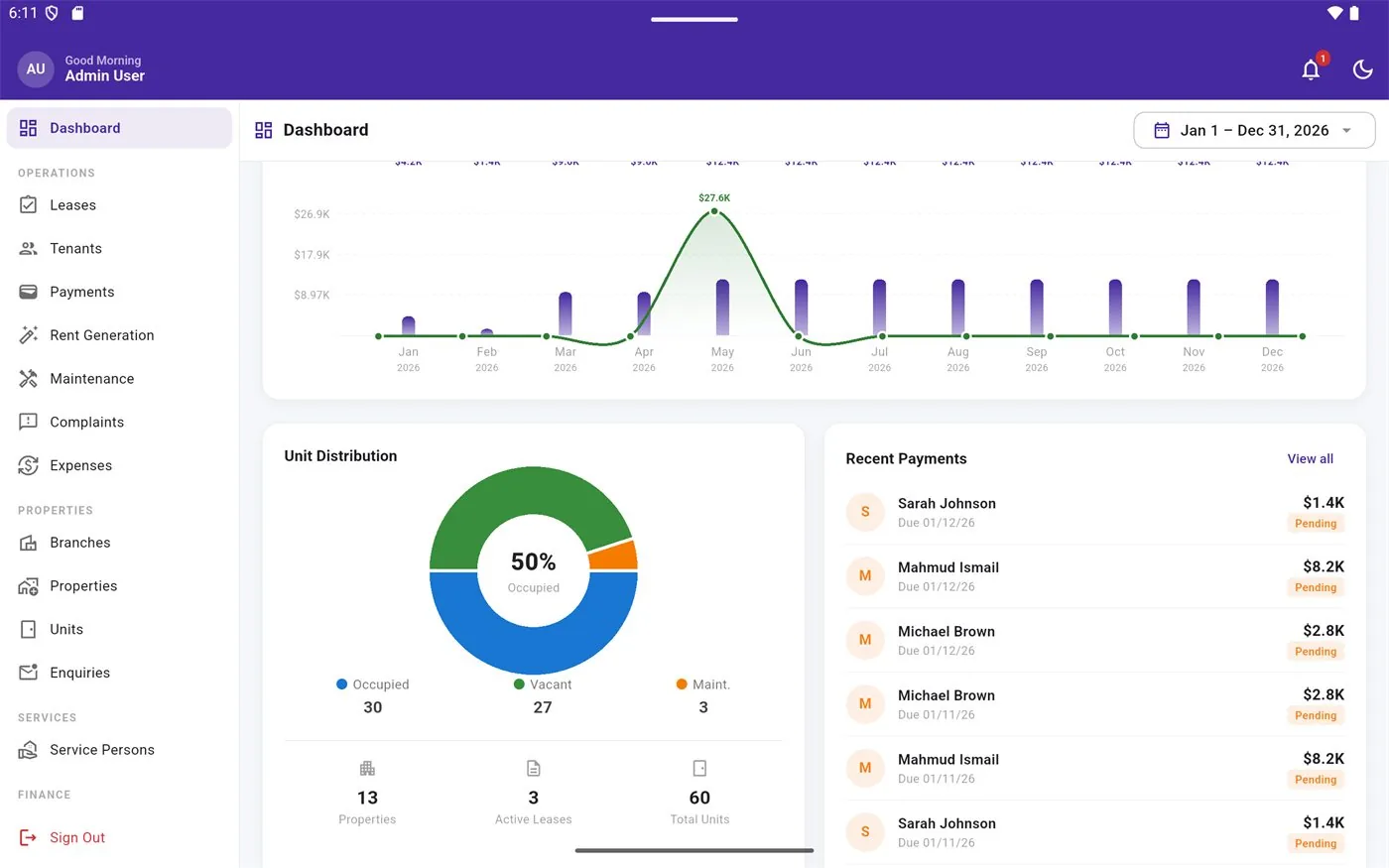
This is the heart of any rent collection routine. Each time a tenant pays, record the payment against their lease with the amount, date and method. The app supports payment accounts and payment methods, so you can see later how much came in as cash, how much through the bank and how much by bKash.
It is important to be clear about what this means. Tenova is a record-keeping system, not a payment gateway. Tenants still pay you directly, by handing over cash, transferring to your bank account or sending money to your bKash number. You or your manager then record that payment in the app. This keeps your existing arrangements unchanged while giving you one reliable ledger.
- Record full and partial payments against the correct lease
- Note the method used: cash, bank transfer, cheque or bKash
- Assign payments to the right payment account for reconciliation
- Record advance and deposit payments separately from monthly rent
Step 4: Follow up dues with facts, not guesses
By the middle of the month, the question becomes who still owes rent. The app tracks pending and overdue amounts for each tenant, so you can open one list and see exactly where follow-up is needed. Calling a tenant with the precise outstanding amount and the date of their last payment is far more effective, and far less awkward, than a vague reminder.
Owners who employ a manager or caretaker can give them staff or manager access, so they record payments and check dues while the owner keeps oversight of the whole portfolio.
Step 5: Close the month with reports
Once collection is done, the month should end with clear numbers. The app includes built-in financial reports such as a rent roll, profit and loss, and owner, tenant and lease statements. On the web app, reports can be exported to CSV, and statements can be generated as PDFs to share with a co-owner, an accountant or a tenant who asks for their payment history.
Over several months, these reports show which units pay reliably, which are frequently late and how rent income compares with building expenses.
Frequently asked questions
Can tenants pay rent through Tenova directly?
No. Tenova does not include a payment gateway, so it does not take money from tenants. Tenants continue to pay in cash, by bank transfer, by cheque or through bKash, exactly as they do today. The landlord or manager then records each payment in the app against the right lease, which gives a single, accurate ledger of everything that has been received.
Is this different from general property management software in Bangladesh?
Tenova covers the full range of property management, including units, maintenance and security logs. This article focuses only on the monthly rent collection workflow: generating rent, recording payments, following up dues and reporting. For a broader overview of managing rental buildings, see our separate guide to property management software in Bangladesh.
Does it work for commercial spaces as well as flats?
Yes. A unit can be a residential flat, a shop, an office floor or another rentable space. Each unit has its own lease, rent amount in Taka and payment history. That makes it suitable for mixed-use buildings in Dhaka, where residential and commercial tenants share the same property but pay different rents on different terms.
Which devices can I use?
Tenova is available as an Android app on Google Play and as a web app at tenovahub.com, both working from the same data. A caretaker can record a cash payment on a phone at the building, while the owner reviews dues and exports reports from a computer. Access levels for admin, manager and staff keep each person's role clear.