Dhaka ·
  Thimphu ·
  Vancouver · Since 2012
Most hotels already have the raw material for a hotel guest database. It is scattered across registration cards, reservation records, restaurant bills, the sales manager's phone and years of email. What is missing is a single, clean list that staff trust enough to use when a guest calls back or a new season opens.
This step-by-step guide is for owners, general managers and front office managers of hotels, resorts and guest houses in Bangladesh and Bhutan. It covers what to collect, where to capture it, how to clean and segment it, and how tools such as FLEX CRM help keep it useful.
Why a hotel guest database is worth the effort
A good guest database lets you recognise returning guests, remember what they liked and invite them back at the right time. It tells you which markets and companies bring the most business, and it gives your sales team a list of real people to contact when occupancy looks thin.
Without one, every stay starts from zero. The guest who has visited five times is treated like a stranger, marketing messages go to whoever happens to be in someone's phone, and valuable relationships disappear whenever a staff member leaves.
Step 1: Decide what to collect
Collect less, but collect it properly. A short list of reliable fields is more useful than a long form full of blanks. A sensible starting set is:
- Full name, mobile number and email address
- Country and city of residence
- Company or travel agent, if the stay was booked through one
- Stay history: dates, room type, rate and total spend
- Source of booking: direct, agent, OTA, corporate or walk-in
- Preferences such as room location, pillow or dietary needs
- Consent to receive offers and the preferred channel
Step 2: Capture data at every touchpoint
Guest data arrives at many points: the reservation, check-in, restaurant and spa bills, banquet enquiries and online bookings. The aim is to record it once, in the right place, rather than in separate registers.
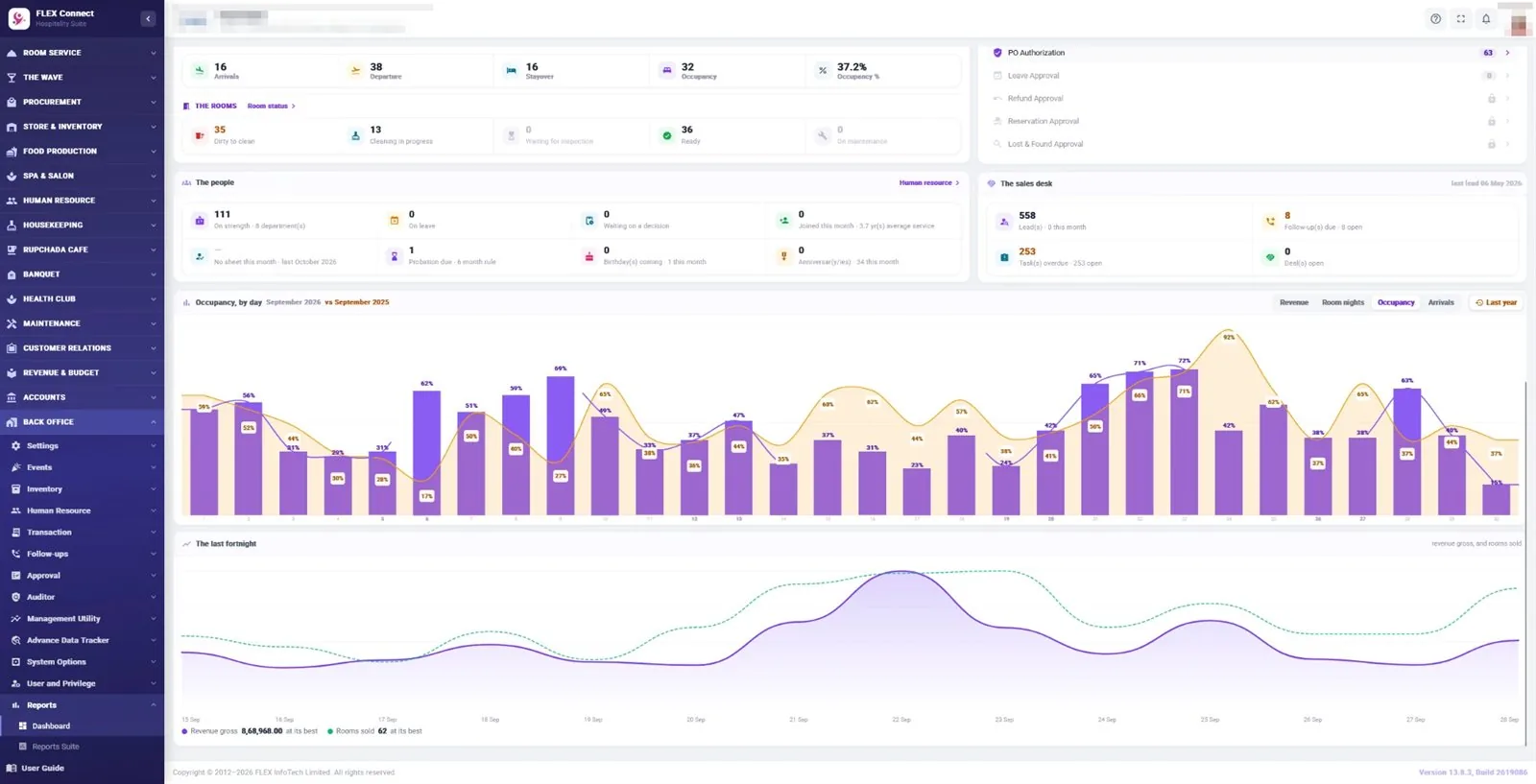
If you use FLEX PMS, much of this is already captured. The front office keeps guest profiles, online guest details and repeat guest history, and Sales and Marketing holds company and group profiles. Outlet bills posted to a room add to the same stay. FLEX CRM then builds on these records with a central view of each customer and every interaction with them.
Step 3: Clean and de-duplicate your records
Older data is almost always messy. The same guest may appear three times with different spellings, an old phone number and a missing email. Set aside time to clean it before you rely on it:
- Standardise how names, phone numbers and country codes are written
- Merge duplicate profiles and keep the most recent contact details
- Remove test records and obviously false entries
- Link guests to the companies or agents that booked them
- Agree simple rules so new data is entered the same way
Step 4: Segment your guests
A database becomes useful when you can pick out the right group for the right message. Useful segments include repeat guests, corporate travellers, families, wedding and event clients, international visitors, domestic weekenders and guests who booked through a particular agent. Add the season they usually travel in, such as festival holidays or winter, and you have the basis for timely, relevant offers rather than the same message to everyone.
Step 5: Put the data to work
Use the database every day, not only for occasional campaigns. Reception can greet a repeat guest by name and offer the room they liked. Sales can call corporate clients whose bookings have dropped. Marketing can invite last year's festival guests back before the season opens. FLEX PMS can send welcome and thank-you messages by email or SMS, and FLEX CRM adds marketing automation and campaigns for targeted offers.
Measure the results. Track how many bookings come from returning guests and from each campaign, so you know which efforts are worth repeating. Share the results with the team, too: staff who see that a well-kept profile led to a returning guest are far more likely to keep entering data carefully.
Step 6: Protect your guests' data
Guest data is valuable to your hotel and private to your guests. Limit who can view and export it, and use role-based access so each person sees only what their job requires. Ask for consent before sending marketing messages, honour opt-outs promptly and keep backups secure. Data protection rules differ between countries, so take local advice on what applies to your property. FLEX PMS uses role-based security with module-level access and includes backup and restore.
Frequently asked questions
Where should a small hotel start with a guest database?
Start with the guests you already have. Export or collect records from the last year or two, clean them, and agree a simple set of fields for every new booking. Even a small, accurate list of repeat guests and corporate contacts is more valuable than a large one nobody trusts. Add segments and campaigns once the basics are reliable.
Is a PMS enough, or do I need a CRM as well?
A PMS such as FLEX PMS already holds guest profiles and repeat guest history, which is a strong foundation. A CRM adds what happens before and between stays: enquiries, follow-ups, campaigns and relationships with companies and agents. Many hotels start with the PMS data and add FLEX CRM when they want to market more actively.
How often should we clean the guest database?
Do a thorough clean once, then make it part of normal work. Check new profiles weekly for duplicates and missing details, and review the whole list before each major campaign or season. Clear rules for how staff enter names, phone numbers and companies prevent most problems from building up again.
Can staff update guest records from their phones?
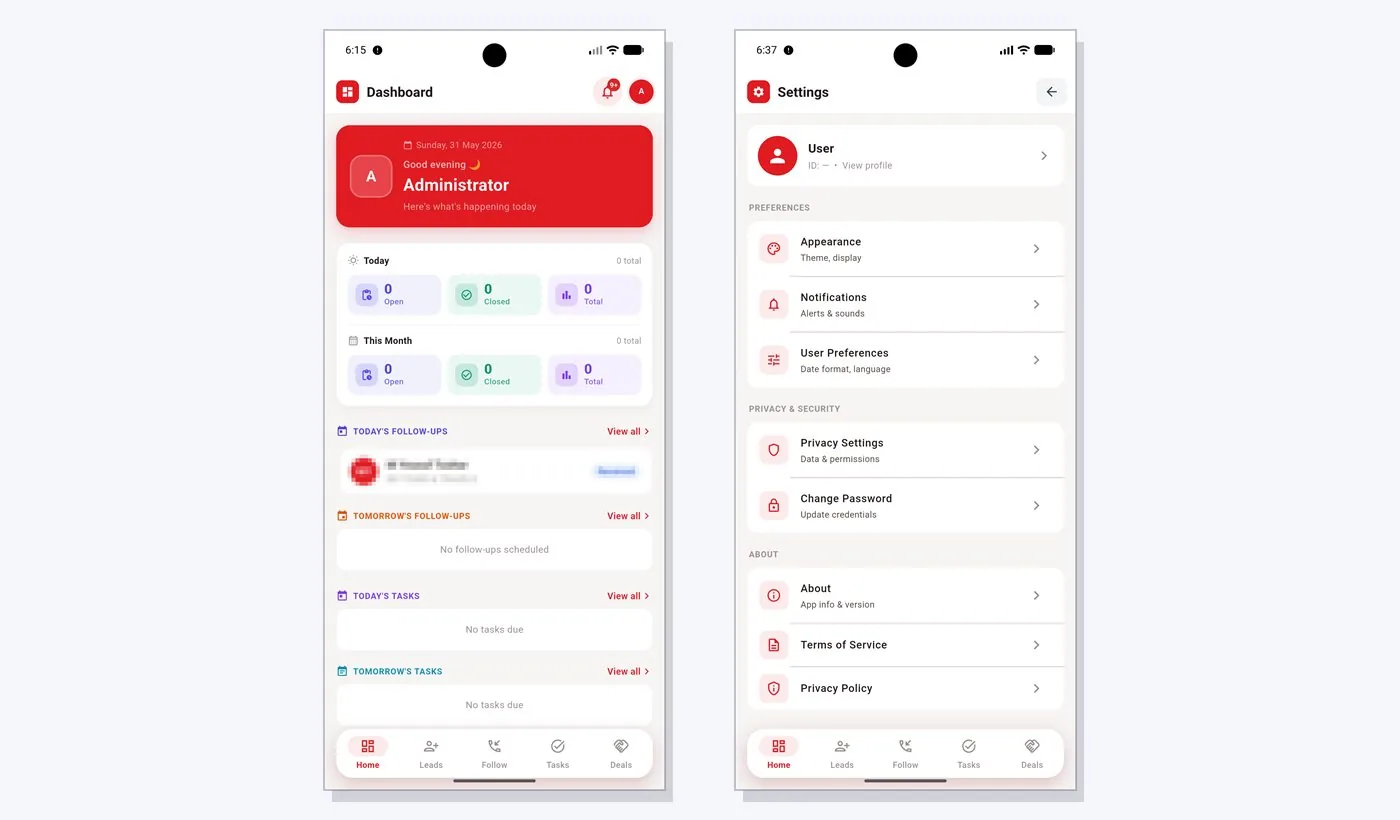
With FLEX CRM, yes. Mobile accessibility is one of its core features, so sales and guest relations staff can check and update customer records while away from the desk. Updating a record straight after a call or meeting, rather than at the end of the week, keeps the database accurate.