Dhaka ·
  Thimphu ·
  Vancouver · Since 2012
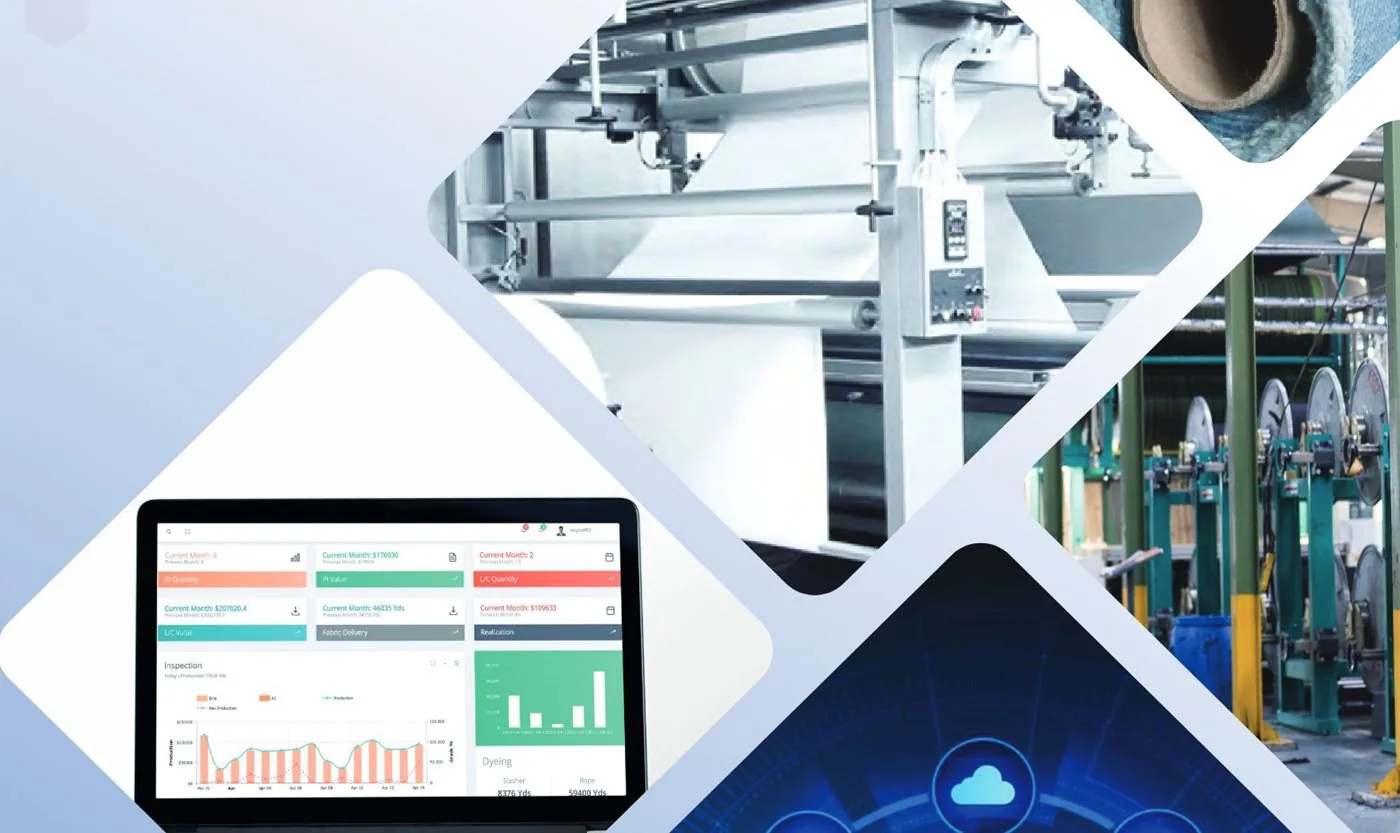
For an export-oriented textile mill, the commercial desk is where production turns into money. Yet in many mills across South Asia, the full trail of proforma invoices, export LCs, back-to-back import LCs, invoices and realisations is still kept in spreadsheets, email folders and paper files. Export LC management software brings that trail into one place, so the commercial team, planners, store and accounts are all looking at the same order.
This article looks at the problem from the mill's side: where LC handling usually breaks down, what a commercial module should record, and how it should connect to delivery and accounts. The examples come from the Commercial module of FLEX ERP, developed by FLEX InfoTech for denim and textile mills, and the principles apply to exporters in Bangladesh.
The problem: LC paperwork that lives outside the mill system
A single export order can involve a PI to the buyer, an export LC or sales contract, one or more back-to-back LCs for yarn and chemicals, bills of entry, insurance and transport documents, commercial invoices, delivery orders and finally the realisation of payment. Each document is usually prepared by a different person, often in a different file.
When these records are not linked, simple questions become slow to answer. Which import LCs belong to this export order? Has the fabric for this PI been delivered in full? Which invoices are still waiting for realisation? Directors end up relying on the memory of one or two experienced commercial officers, which is a risk for any growing mill.
- Yarn arrives late because the related import LC was opened late
- Deliveries go out against a PI without anyone checking the remaining balance
- Realisation and incentive follow-up depend on manual reminders
- Party balances differ between the commercial desk and accounts
How the export LC cycle flows in a textile mill
Although document names and banking practice differ from country to country, the basic cycle is similar across the region. Mapping it clearly is the first step before choosing any software.
- Buyer enquiry, sample approval and PI
- Export LC or local sales contract received and recorded
- Import requirements raised as indents and covered by import or back-to-back LCs
- Bill of entry, insurance and transport recorded as materials arrive
- Production planned and completed against the order
- Delivery orders, challans and commercial invoices issued
- Payment realisation and any applicable incentive claims followed up
What export LC management software should record
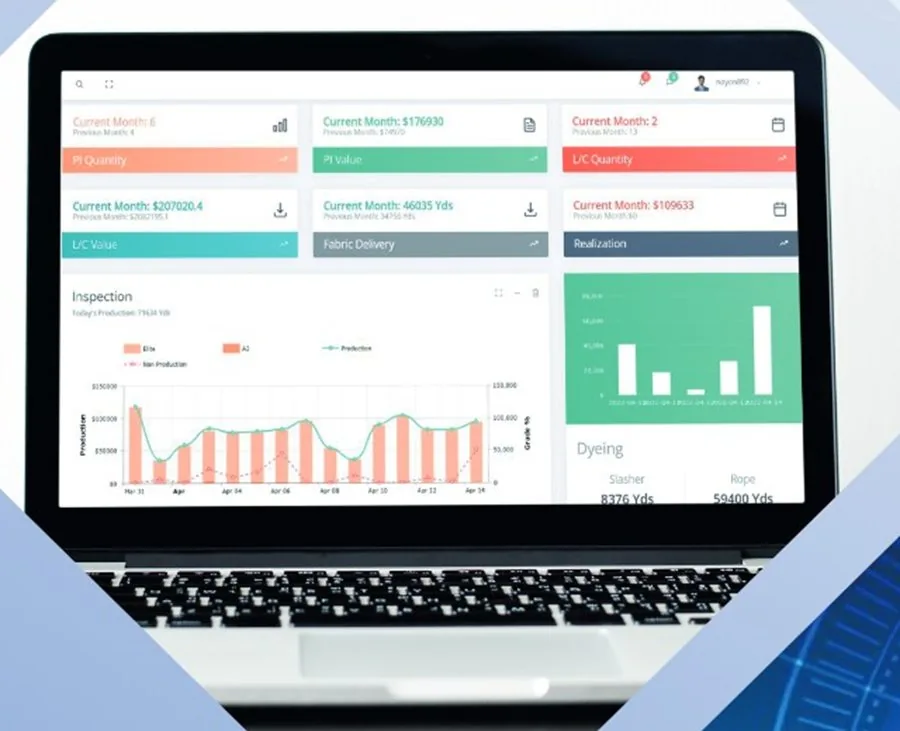
Good export LC management software treats the commercial cycle as a set of linked records rather than isolated documents. On the export side, FLEX ERP records the PI, export LC, local sales contract and invoice, together with GSP and BTMA related records, realisation and incentive. On the import side it records indents, PI, import LC, back-to-back LC, bill of entry, insurance, transport and invoice.
The value comes from the links. When a back-to-back LC is tied to an export order, planners can see whether materials for that order are secured. When an invoice is tied to a PI and a delivery order, accounts can see exactly what has been shipped and what is still outstanding.
Linking commercial records to delivery and stock
LC tracking is only half the job. The fabric that leaves the mill must match what the PI and LC allow. In FLEX ERP, the fabric store receives rolls from inspection by scan, records roll locations and delivers fabric against delivery orders with an automatic challan and gate pass.
The Distribution module then keeps DO-wise and PI-wise party balances, manages the delivery schedule and records party settlement and payment realisation. Audit locks on PI, invoice and DO records help protect finalised documents from casual edits, which matters when those documents are also held by banks and buyers.
Connecting LCs to costing and accounts
Import LCs carry real costs: material value, insurance, transport and related charges. When these sit inside the same system as costing and accounts, the post-cost of an order reflects what was actually spent, not just the original estimate. Pre-cost versus post-cost reports then show whether an order was as profitable as it looked when the PI was issued.
On the finance side, a connected system feeds receivables, payables, cash and bank books and ledgers, so the commercial view and the accounting view of a party agree with each other.
Getting started with a commercial module
Mills do not need to move everything at once. A practical approach is to start recording all new orders in the system from an agreed date, while closing older LCs in the existing files. Within a few months, most live orders are in one place.
- List every document type your commercial team handles today
- Agree a standard naming and numbering pattern for PIs and LCs
- Decide who approves each step and who can edit finalised records
- Set an opening date and enter open LCs and pending realisations
- Review PI-wise and party-wise balances with accounts every week at first
Frequently asked questions
Is LC management software only useful for large exporters?
No. Smaller and mid-sized mills often feel the problem more, because one or two people handle every document. A system that links PIs, LCs, deliveries and realisations reduces dependence on individual memory and makes it easier to hand work over when staff change, take leave or the order book grows.
Can the same system handle export LCs in India, Pakistan or Sri Lanka?
The commercial cycle of PI, LC, import cover, delivery, invoice and realisation is broadly similar across the region, although documents and banking practice vary by country. FLEX ERP was built in Bangladesh, so mills in other countries should review their local document requirements with the FLEX team during a demo before deciding.
Does the software open LCs with the bank?
No. The software records and tracks LC information and related documents inside the mill. Opening, amending and negotiating LCs still happens through your bank in the normal way. The benefit is that every LC, its documents and its link to orders, deliveries and payments are visible in one system.
What other modules work alongside the commercial module?
In FLEX ERP the commercial module connects with sales and marketing, costing, planning, inventory, the fabric store, distribution, procurement and accounts and finance. Mills can choose which modules to implement first and add more later as users and processes are ready.