Dhaka ·
  Thimphu ·
  Vancouver · Since 2012
For many hotels in South Asia, hotel software that works offline is not a nice-to-have. A beach resort in Cox's Bazar, a lodge in the hills of Bhutan, a tea-garden resort in Sylhet or a resort in a Bhutanese valley can all lose their connection without warning, sometimes for hours. If the property management system lives only in the cloud, the front desk stops with it.
This article explains what offline hotel software really means, how a LAN-based system is set up, what it needs to run safely and when a cloud system is still the better choice. It is written for owners and general managers who want a clear, practical answer rather than a sales pitch.
Why internet outages still hurt hotels
Connectivity has improved a great deal across Bangladesh and Bhutan, but it is still uneven. Storms, power cuts, damaged cables and overloaded mobile networks all cause outages, and properties outside the big cities are often served by a single provider. Even a city hotel can lose its line during roadworks or a heavy monsoon.
A hotel cannot pause while it waits. Guests arrive late at night, groups check out at dawn to catch a flight, and the restaurant is full at dinner. Every one of those moments needs the system: to find the booking, assign a room, post a charge, print a bill and take payment.
What happens at the front desk when a cloud-only system goes down
With a browser-only system, an outage means staff cannot see who is arriving, which rooms are clean or what a departing guest owes. Teams fall back on paper, then spend the next day re-entering everything. That is where mistakes creep in: a missed minibar charge, a room sold twice, a restaurant bill never posted to the folio.
The night audit suffers too. If the business date cannot be closed on time, the next day's reports start late and management decisions are made on yesterday's guesswork.
How hotel software that works offline is built
Offline hotel software runs on your own local network. A server or main computer on the property holds the database, and front desk, restaurant, housekeeping and accounts workstations connect to it over the LAN. Because nothing depends on the outside connection, check-in, POS billing and reports keep working whether the internet is up or not.
The internet is still useful for remote access, email and SMS confirmations and integrations such as a channel manager or payment gateway. In a well-designed setup those services simply catch up when the connection returns, while the core hotel operation carries on regardless.
Offline or cloud: choosing the right approach
Neither model is right for everyone. The comparison below can help you decide which suits your property.
- Remote resort or hill property with unreliable internet: a LAN-based system is usually the safer choice
- City hotel with dependable broadband and a backup line: a cloud system is easier to run with no server on site
- Owner who lives elsewhere: both work, as long as the LAN system offers secure remote access
- Staff who work from phones and tablets around the property: cloud and app-based systems are more convenient
- Strict control over where data is stored: a LAN system keeps the database on your own premises
- No technical person on site: cloud removes server care, but a LAN system with good vendor support is manageable
A practical checklist for running a LAN-based PMS
An offline system moves some responsibility onto the property, so plan for it from day one.
- Put the server on a UPS and, where possible, on the generator circuit
- Keep the server in a locked, ventilated space away from guest areas
- Schedule automatic backups and copy them off the server regularly
- Test a restore at least once so you know backups actually work
- Use role-based user privileges so each person sees only their modules
- Agree remote support arrangements with your vendor before you need them
How FLEX PMS handles offline operation
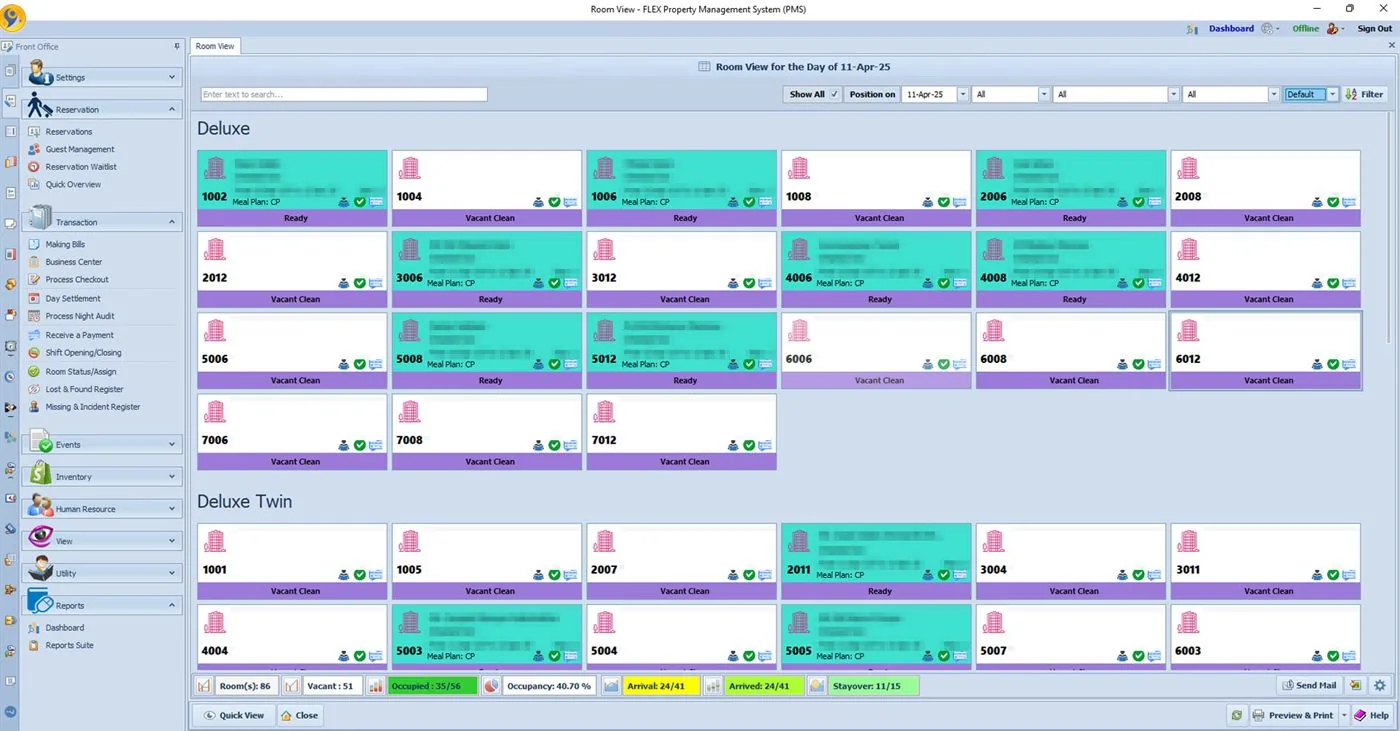
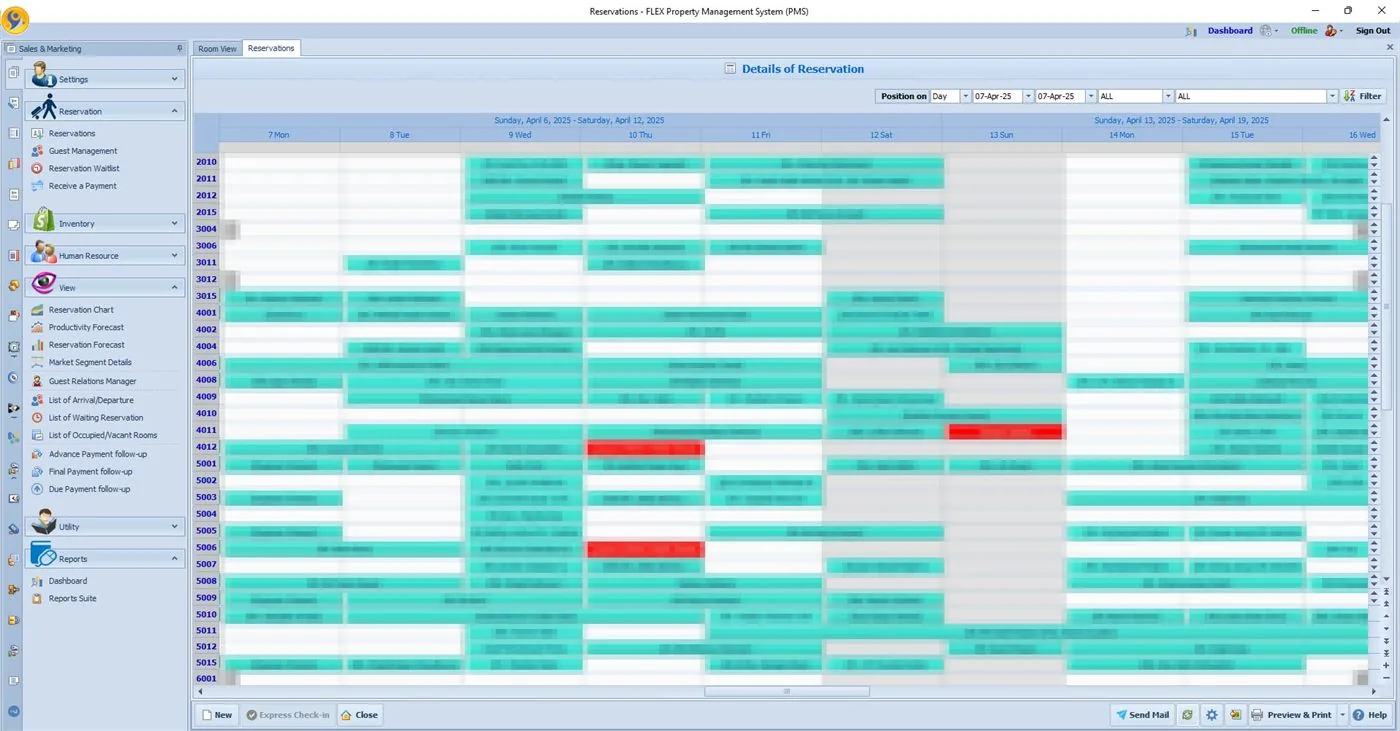
FLEX PMS was built for exactly these conditions. Its desktop version runs on the property's local network and is not dependent on the internet, so the front office, restaurant and bar POS, housekeeping, store and accounts keep working through an outage. When a connection is available, owners and managers can reach the system remotely through a global IP address.
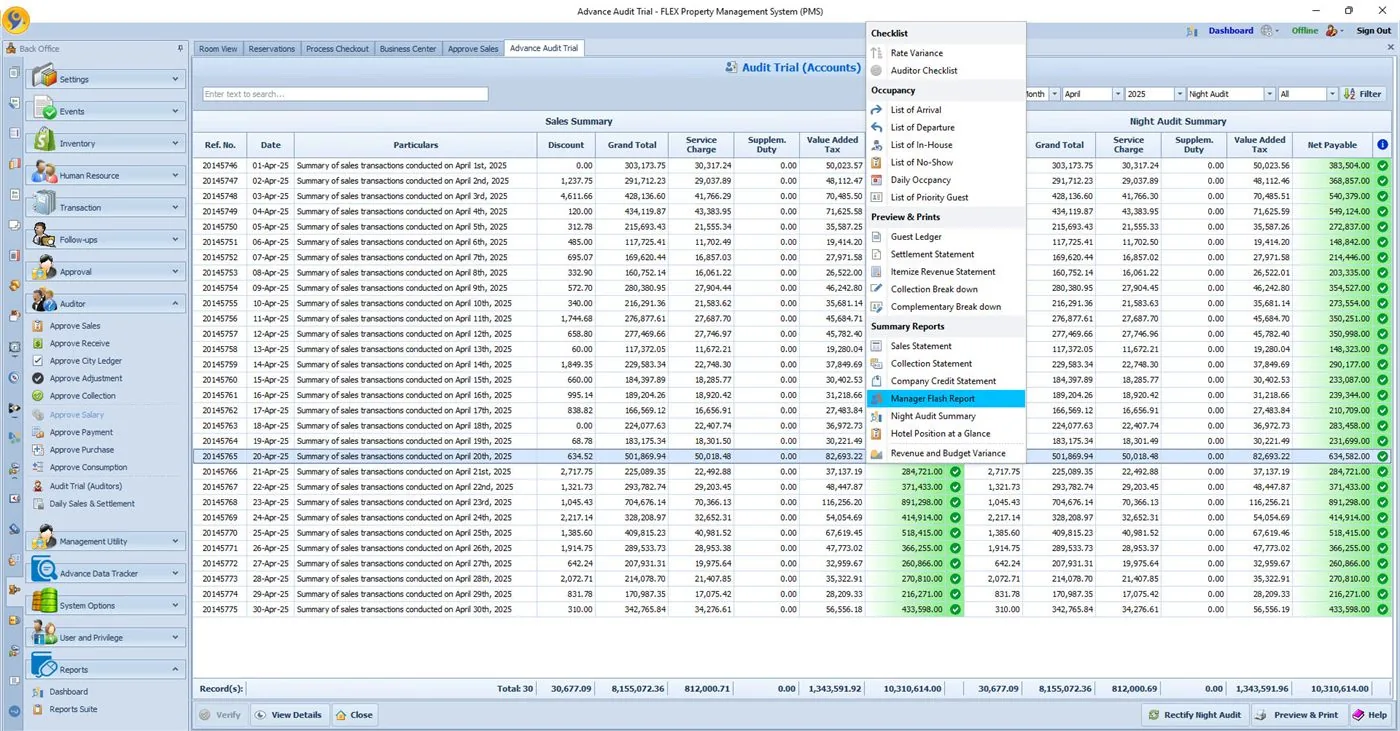
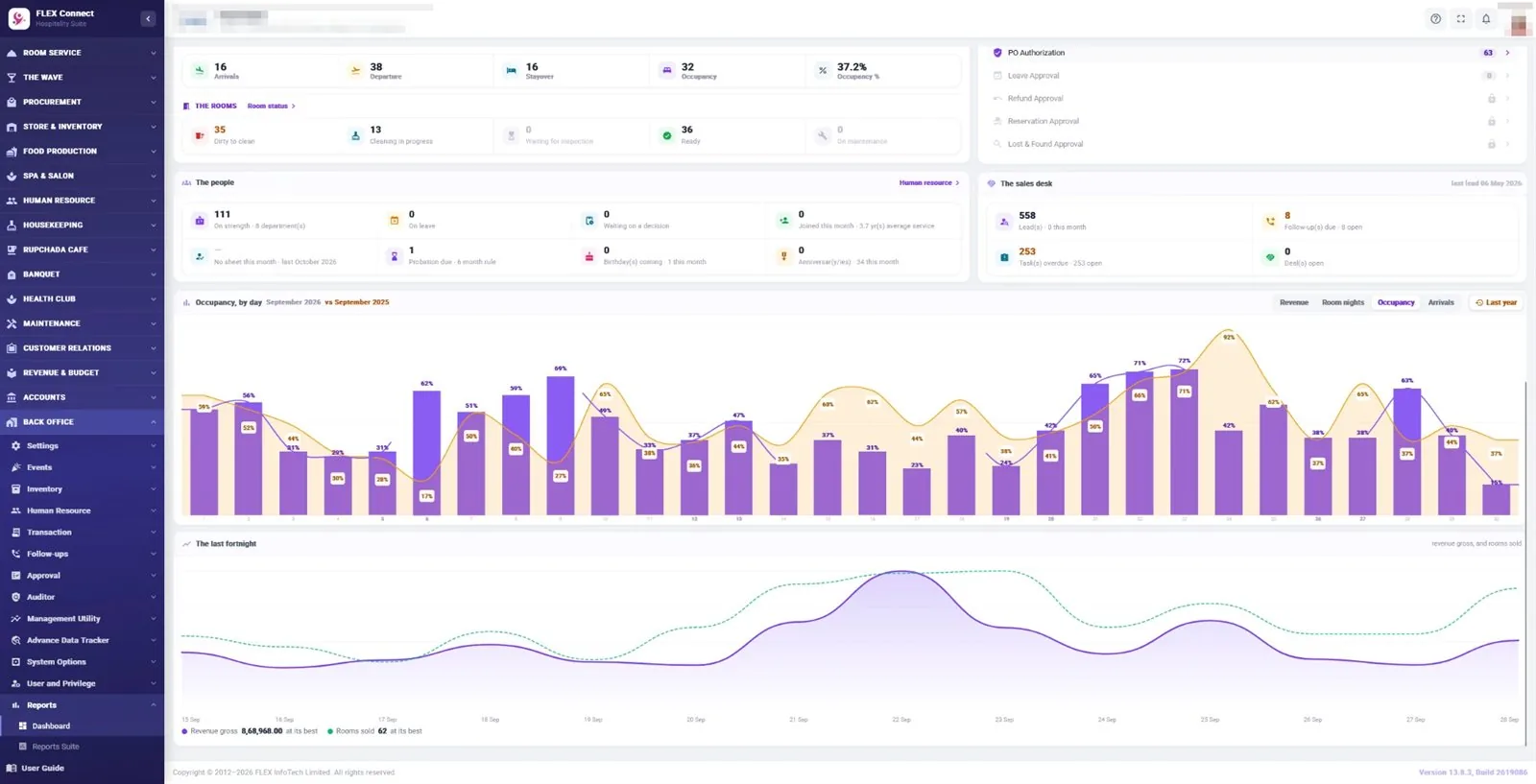
Back Office includes backup and restore, user privileges and an audit trail, and the night audit can be completed on time whatever the connection is doing. FLEX PMS also offers a web-based option, and properties that prefer a fully cloud-based setup can choose FLEX Connect, which runs in a browser and on Android & iOS apps. FLEX InfoTech has supported hotels and resorts since 2012 and today more than 130 hotels and resorts use FLEX.
Frequently asked questions
Can hotel software really work without the internet?
Yes. If the database sits on a server inside the property and workstations connect over the local network, check-in, billing, POS and reports keep working when the internet fails. The internet is then used only for extras such as remote access, email confirmations and online integrations, which catch up once the connection returns.
Can I check my hotel remotely if the PMS is installed on site?
Yes, as long as the system supports remote access. FLEX PMS can be reached remotely through a global IP address whenever the property has a connection, so an owner in Dhaka, Kathmandu or Delhi can check reports and figures for a property somewhere else. During an outage the on-site team carries on working as normal.
What happens to my data if the server fails?
That is why backups matter. Schedule automatic backups, copy them off the server and test a restore from time to time. FLEX PMS includes backup and restore in its Back Office, and the FLEX support team can help you set a routine that suits the size of your property and your staff.
Is offline hotel software old-fashioned compared with the cloud?
Not at all. It is a different trade-off. Cloud systems remove server care and suit properties with dependable internet. LAN-based systems keep you running when the connection is unreliable. FLEX offers both: FLEX PMS for desktop and LAN or web use, and FLEX Connect as a fully cloud-based edition with Android & iOS apps.